
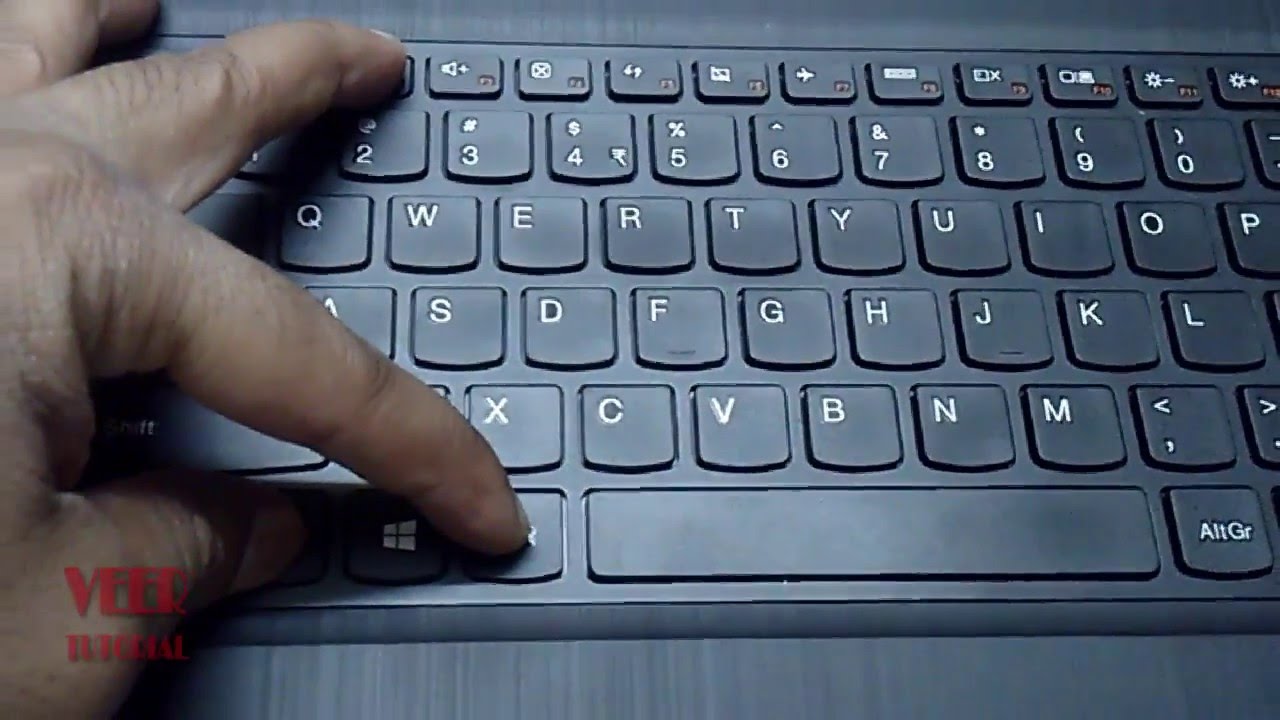
The Functions keys — F1 through F12, situated on the top line of a PC console — are not there to accumulate tidy. They satisfy diverse capacities, and some of them are truly valuable.
MaujBox welcomes you to find the many uses of these keys which will permit you to explore the conceivable outcomes offered by the keyboard.
F1 - Opens The Help Screen for almost every programme.
F2 - Allows you to rename a selected folder or file.
F3 - Opens a search feature for an application that is active at the moment.
F4 - Alt + F4 closes the active window.
F5 - Allow you to refresh or reload the page or document window.
F6 - Moves the cursor to the address bar in most internet browser.
F7 - Used to spell check and grammer check a document in Microsoft application such as Ms Word.
F8 - Used to access the boot menu in the window when turning on the computer.
F9 - Refresh a document in the Microsoft word and send and receives e-mail in Microsoft outlook.
F10 - Activates the menu bar of an open application. Shift + F10 is same as right clicking.
F11 - Enters and exit full-screen mode in internet browsers.
F12 - Opens the save as dialog box in microsoft Word
Thats All Folks.


No comments:
Post a Comment